Profile
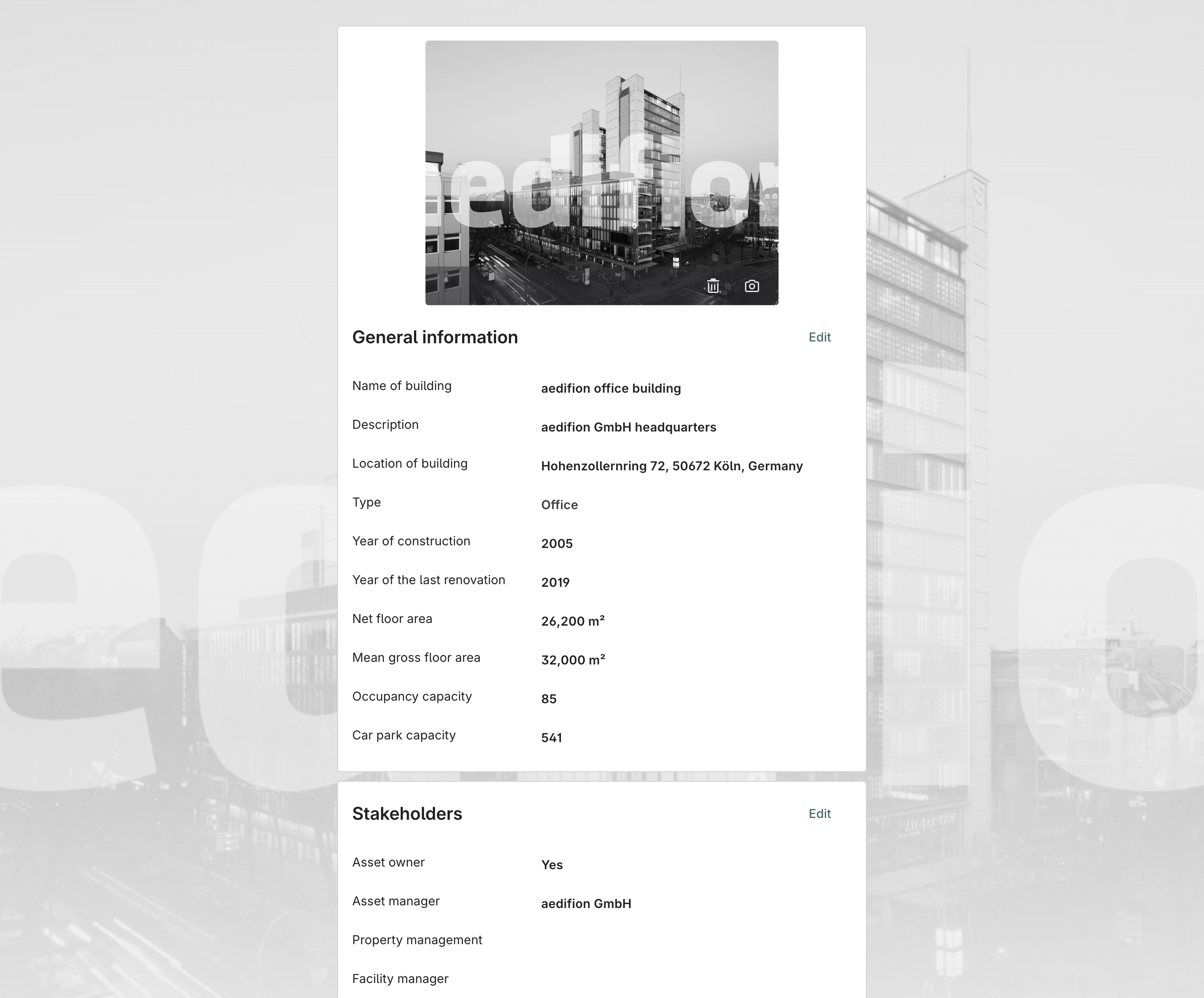
The Asset Profile page serves as the central hub for managing and viewing all key metadata related to the building. Some of this information also appears directly on the ‘Asset Overview’ page. By clicking on the ‘See more’ button in the top-right corner you can open the detailed building profile (see figure 1). All information displayed here is visible to every user with access to the project and can easily be edited here.
At the top of the page, you have the option to upload or remove a building avatar. All common image formats (e.g. PNG, JPEG, GIF, WebP) up to a file size of 1 MB are supported.
In the sections below, you can add or update further details using the ‘Edit’ button. Completing all fields is not required. However, please note that certain general information, such as the net floor area, is essential for various analyses and KPI calculations and should therefore be provided. To enter or update building certifications for the first time, please contact your aedifion representative.
In general, the more complete the information on building equipment and certifications is, the easier the setup of the digital twin will be. Comprehensive data also enables technical operators to gain a quick and reliable overview of the entire building.